
How to Log In
For both employers and candidates, logging in to your Hire22.ai account is quick and secure.
Logging Into Your Account
Go to the Login Page
Visit Hire22.ai and navigate to the Login Page.
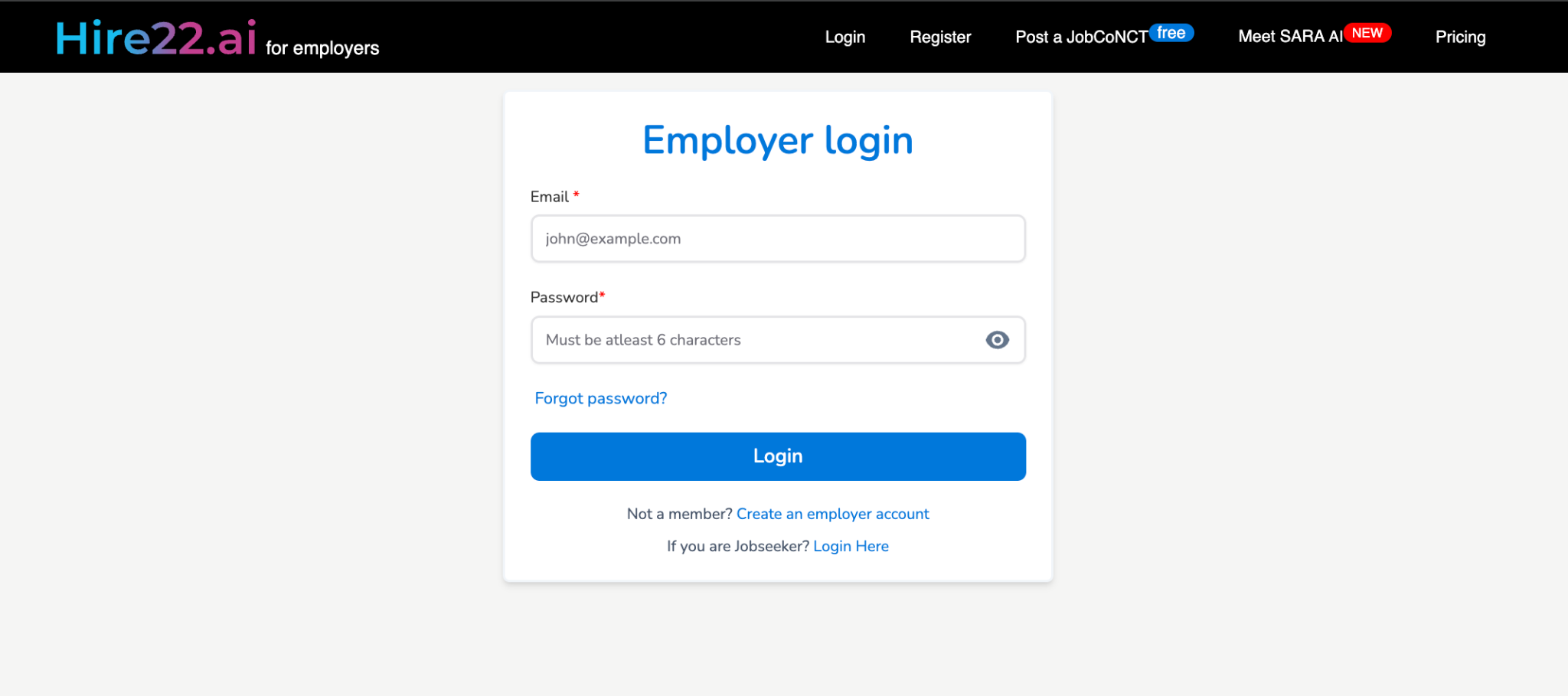
Enter Your Credentials
Provide your login information:
- Email or Mobile Number: Enter your registered email or mobile number
- Password: Enter your account password
Click Login
Click the "Login" button. You'll be redirected to your personalized dashboard.
If you forget your password, click Forgot Password to reset it instantly via email or OTP verification.
Frequently Asked Questions
Can I log in with my official mail ID?
Yes. You can log in using your official mail ID or the mobile number used during registration. Using an official mail ID ensures better verification and faster access.
Why am I unable to log in to my account?
Check if your email or mobile number and password are correct and case-sensitive. If you've recently registered, make sure your account has been verified.
What should I do if I didn't receive the OTP or verification email?
Wait for a few seconds and check your Spam or Promotions folder. If not received, click Resend OTP or Resend Verification Link.